
 English
 Bengali
JIJILI Login — Reach Your Account Without Guesswork
You may have found JIJILI through friends, a match-night discussion, or while checking cricket markets on the betting section, and now you want to enter your account without tapping around randomly. Good — the process is short when you know what each screen asks for.
Signing in usually takes only a few quick moments after your phone number and password are ready. If you are brand new, registration is also straightforward, with OTP verification built for Bangladesh mobile users and a layout that feels familiar from the first visit.
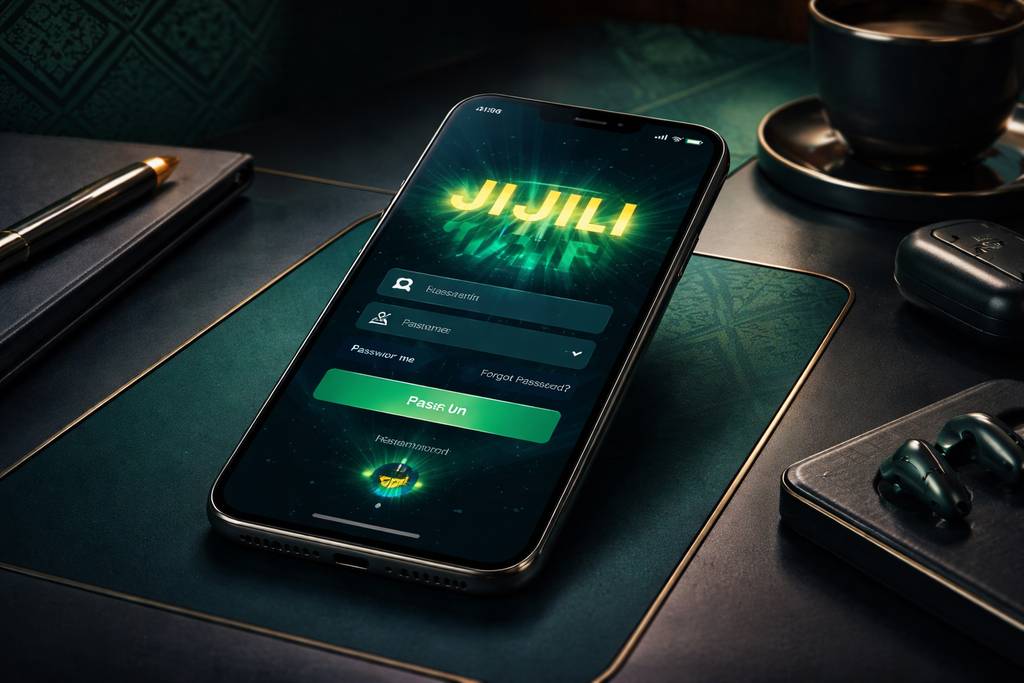
🔑 How to Log In to JIJILI
Open JIJILI in your browser or app and look for the Login control near the top of the screen. Tap it once and the account access form will appear.
Enter the phone number or username you used during signup, add your password carefully, then confirm. If the details match, your dashboard opens and you can continue from your balance, promotions, or recent activity.
Three common access options:
| Method | Requires | Average Speed |
|---|---|---|
| Username + password | Enter both fields manually | ~10 sec |
| Phone number + password | Use your registered Bangladesh number | ~10 sec |
| Biometric (app only) | Fingerprint or Face ID on supported devices | ~2 sec |
Quick habit worth keeping: avoid saving your password on shared phones, office computers, or cybercafe devices. If a browser offers to remember details, decline it unless the device is yours.
After login, many players check the casino lobby first, then move to their favourite tables, live rooms, or balance menu when everything looks correct.
📝 Creating a New Account
No JIJILI profile yet? Registration is designed to be lightweight, especially if your mobile wallet and phone number are already active in Bangladesh. Keep these ready before you start:
- ✅ A working Bangladesh mobile number
- ✅ A payment wallet you normally use, such as bKash, Nagad, or Rocket
- ✅ A couple of focused minutes to complete OTP confirmation
Step-by-step:
- Tap the Register button from the main screen or app menu
- Type your Bangladesh mobile number — use the same number connected to your wallet if possible, because matching details can make withdrawals smoother later
- Create a strong password with letters, numbers, and at least one symbol
- Enter your full name exactly as you use it for payment verification
- Select BDT so deposits, bonuses, and withdrawals display in taka
- Add a promo code if you received one — this is where the welcome bonus may activate
- Submit the OTP sent by SMS to confirm that the number belongs to you
- Finish registration and enter your new account area
Once your profile is active, you can browse the games library, inspect provider categories, or review payment options before making your first deposit. There is no need to rush funding immediately.
What you don't need at signup:
- ❌ Mandatory email confirmation before entry
- ❌ NID upload during the first registration screen
- ❌ Selfie verification unless risk checks or withdrawal rules require it later
- ❌ Full address proof just to open a basic account
That keeps the first step simple while still leaving room for proper verification when real-money withdrawals need extra checks.
🔒 Account Security Tips
Your JIJILI login protects both your balance and your personal activity, so treat the account with the same care you give a mobile banking app.
Do:
- ✅ Choose a unique password that you have not used on social media, email, or other gaming sites
- ✅ Enable 2FA (two-factor authentication) when it is available, especially for new device access
- ✅ Use biometric login on the Android app if your phone supports fingerprint or face unlock
- ✅ Sign out after using a shared device, even if it belongs to a close friend or family member
- ✅ Review recent login activity from the security area whenever something feels unusual
Don't:
- ❌ Share your account password, OTP, or reset code with anyone, including people claiming to help you win
- ❌ Let a public browser store your JIJILI credentials after a session
- ❌ Open password-reset links from suspicious SMS messages, social posts, or unknown chat accounts
- ❌ Play with real balance over unsecured public wifi unless you trust the connection and use protection
- ❌ Believe unofficial agents who ask for access details; genuine support will never need your password
Watch for phishing: if an SMS, email, or social message says it is from JIJILI and pushes you to sign in through a strange link, pause and check the address. Use jijili.net only, and contact [email protected] if the message looks doubtful.
❓ Password Recovery
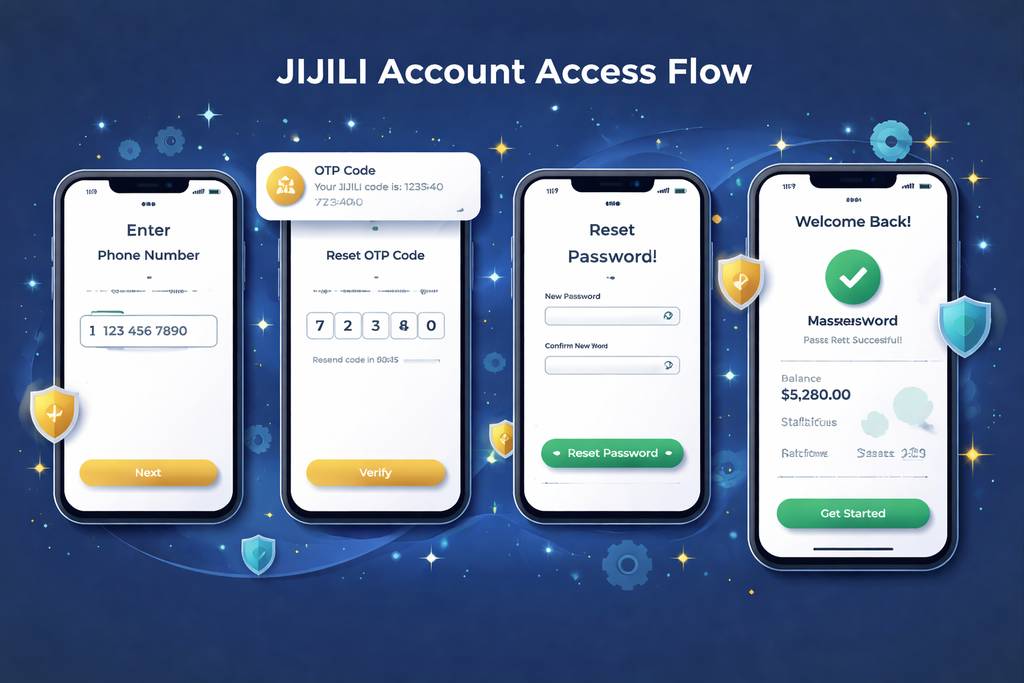
Forgot the password or typed it wrong too many times? Use the recovery option instead of guessing repeatedly. The normal reset flow is simple:
- Tap "Forgot Password" on the login form
- Enter your registered phone number exactly as used during signup
- Receive the 6-digit SMS code on that number
- Place the code into the verification box before it expires
- Create a fresh password that is different from the old one
- Return to login and sign in with the updated credentials
The full reset normally takes about 2 minutes. Verification codes expire after 10 minutes to reduce the risk of someone reusing an old SMS.
If you don't get the SMS:
- Check whether your SIM has signal and can receive normal messages
- Wait 60 seconds before pressing "Resend code" to avoid duplicate requests
- Try again using mobile data if your wifi connection is unstable
- Ask live chat for help only after confirming the number was typed correctly
If you've lost access to the phone number too:
Contact support with:
- Your registered name
- Approximate account creation date
- Last deposit amount and payment method, including TRX ID if available
- NID or identity proof if manual verification is requested
Support may need 24–48 hours to review the case because changing a registered number can affect withdrawals and balance safety. That delay protects your account from takeover attempts.
📱 Mobile vs Desktop Login
JIJILI works across common devices, but each route suits a different playing style. Pick the one that matches how you actually use the platform:
- Mobile browser (Chrome, Safari):
- ✅ Opens quickly on most Bangladesh smartphones
- ✅ No installation required
- ✅ Good for account checks, deposits, and quick play
- ❌ No biometric shortcut
- ❌ Can feel slower than the app during busy match hours - Android app:
- ✅ Faster repeat login with supported biometric access
- ✅ Smoother navigation between wallet, lobby, and promotions
- ✅ Helpful for regular players who return daily
- ✅ Better continuity when moving through live sections
- ❌ Android focused, so iPhone users normally stay with browser access
- ❌ Requires installation permission before use - Desktop browser:
- ✅ Bigger view for managing cricket odds, account history, and live information
- ✅ Comfortable for long sessions at home
- ✅ Easy typing if you manage passwords manually
- ❌ Less portable than a phone
- ❌ No fingerprint or face unlock shortcut
Many Bangladesh users prefer mobile for everyday sign-in, then switch to desktop when they want a wider view of live markets, detailed balances, or the slots catalogue on a larger screen.
🛟 Login Support & Help
If JIJILI login is not working, use the official help routes and explain the issue clearly. Screenshots, error messages, and your registered number help the team understand the case faster.
- 1. Live chat — usually found inside the site or app interface
- Suitable for OTP delays, locked accounts, and password reset guidance
- Best when you need quick step-by-step help
- Do not send your password, even if the chat asks for account details - 2. Email — [email protected]
- Better for cases that need documents, screenshots, or transaction references
- Use a clear subject line such as "Login issue" or "Phone number recovery"
- Include only necessary information, never your password or OTP - 3. Official in-platform notices
- Check announcements before assuming your account is broken
- Temporary maintenance can affect login, wallet display, or SMS delivery
- Ignore random social accounts that cannot be verified from the JIJILI site
Authentic support never asks for your password or one-time code. If someone pressures you to reveal either, stop the conversation and report the contact through the platform.
❓ FAQ
Answers to common JIJILI login, signup, OTP, password, and verification questions for Bangladesh users.
Register with your Bangladesh mobile number, set a password, and verify the OTP. The process is usually quick, and documents are not normally required just to open the account.
Yes, but keep it limited to devices you trust. Too many device changes may trigger extra security checks, especially if the location or browser looks unusual.
Wait briefly, check your SIM signal, then request a resend. If repeated attempts fail, confirm the number is correct and contact support for manual assistance.
Yes, when you use the official access route and protect your credentials. Add 2FA where possible, avoid public device password saving, and never share OTP codes.
Yes, but verification is required. Support may ask for account details and identity checks before moving the account to a new Bangladesh mobile number.
No for basic registration. Identity documents may be requested later for withdrawals, security review, payment matching, or compliance checks.
Contact official support and request account closure. They may verify your identity first, then guide you through balance settlement and final confirmation.
Stop guessing and use password recovery. Multiple failed attempts can cause a temporary lock, but resetting through OTP is usually the fastest way back in.
💭 Final Word
JIJILI login and registration are built for quick Bangladesh access: phone-first signup, OTP confirmation, practical password recovery, and familiar mobile navigation. Once the first setup is done, returning to your account should feel simple rather than technical.
If something blocks you, use live chat or email instead of trusting random social messages. Official support can help with OTP delays, locked accounts, recovery checks, and payment-related verification without ever needing your password.
For a smoother routine, keep a strong password, activate available security settings, and use the app if you sign in often. After access, you can move naturally between the bonus area, live options, games, and account tools without repeating registration steps.